Online Proctoring Tool to Drive Quality Assessments
Ensure fair and secure assessments with AI-driven proctoring and real-time monitoring. Detect and prevent cheating effortlessly while maintaining a seamless candidate experience.
A testing application that lets you trust candidate scores
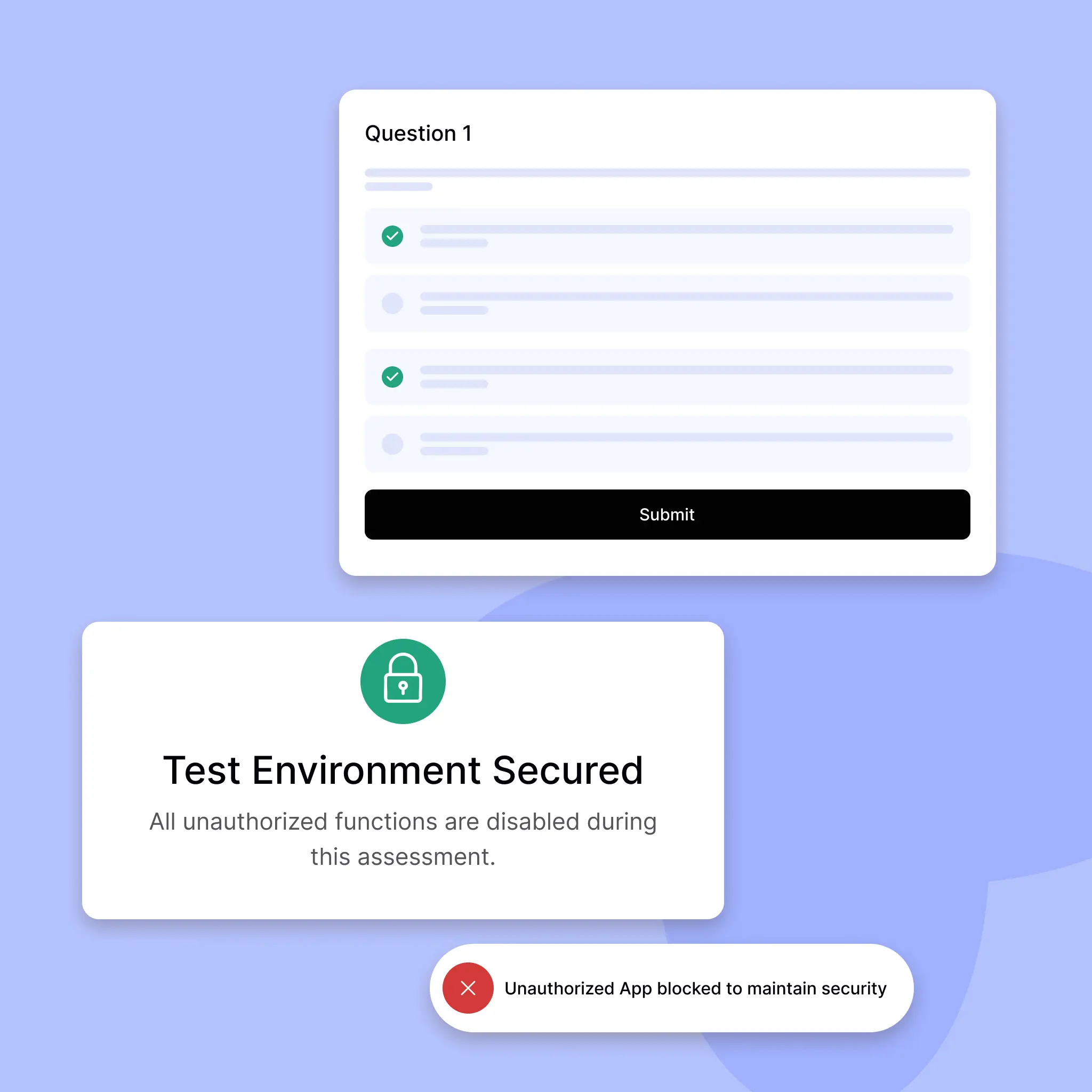
Thanks to the capabilities of the Smart Browser, you can be sure that every candidate’s test score is a result of their ability alone. Ensure fair assessments with advanced monitoring that prevents cheating and upholds test integrity.
Eagle-eyed online test monitoring
AI-Powered Test Integrity and Security
AI Smart Browser records screen, webcam to prevent copy-pasting and candidate impersonation.
Sealed-off testing environment
Secure and Reliable Test Proctoring
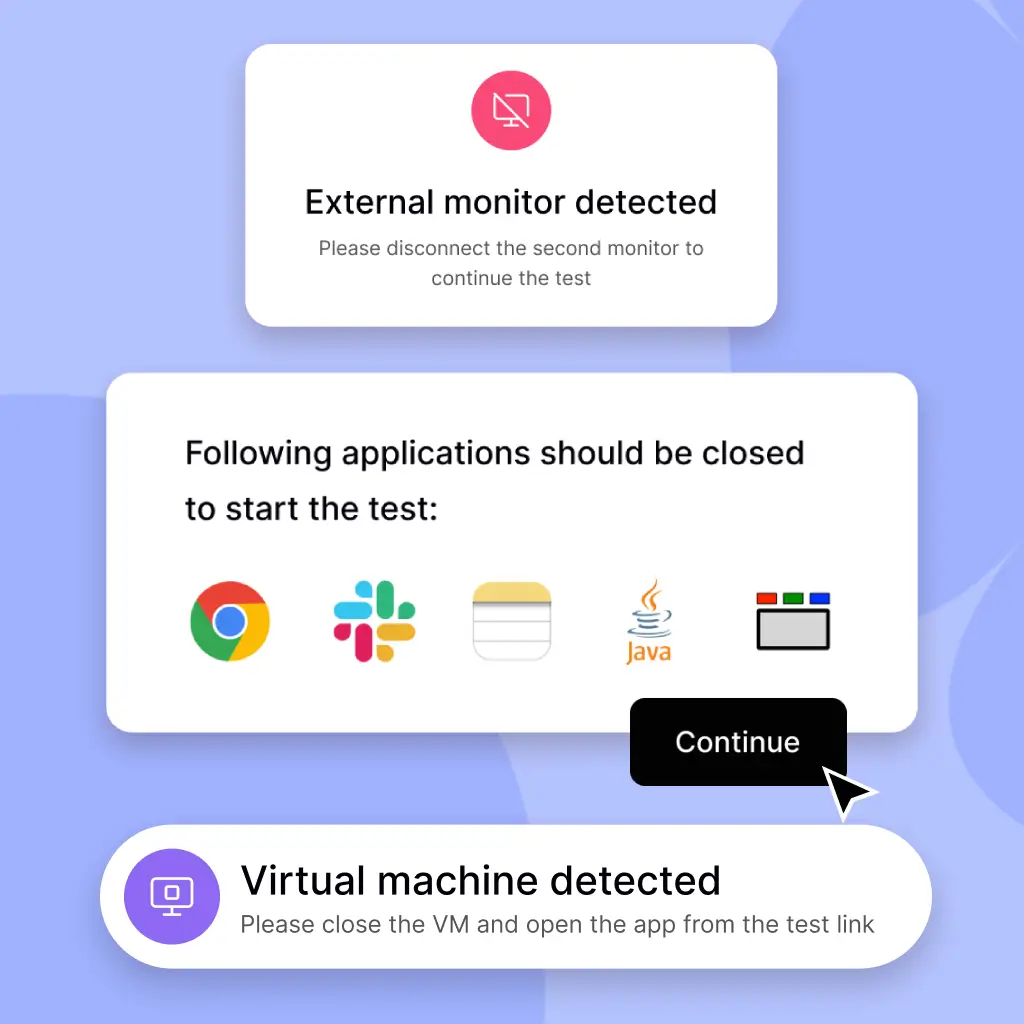
Smart Browser blocks VMs, apps, and screen sharing for secure, reliable test assessments.
Smarter Proctored Exams
Cheating demands smarts but our proctored exams are smarter
By preventing the following actions, the chances of a candidate cheating on a HackerEarth technical assessment are virtually zero. Our advanced proctoring ensures a secure testing environment, leaving no room for unfair practices.
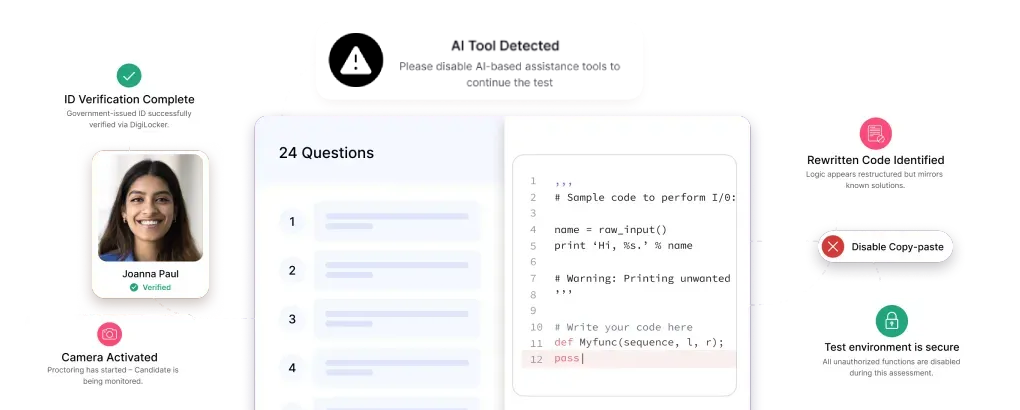
No Access to AI Tools
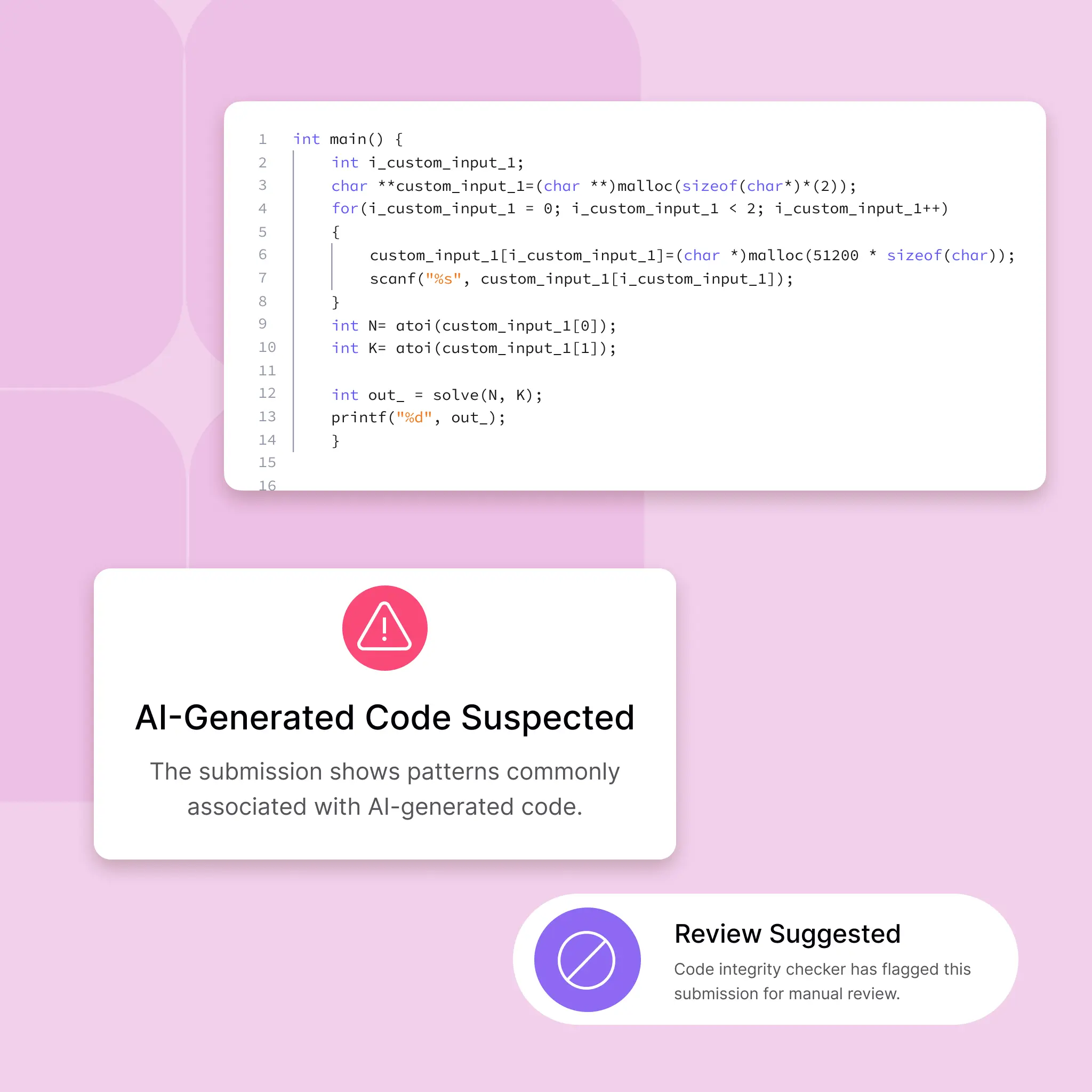
Prevents the use of generative AI tools during tests, ensuring genuine, unaided performance and maintaining test integrity.
Running parallel applications
Blocks the use of other applications during the test, eliminating the possibility of unauthorized assistance.
Screen sharing the test window
Prevents candidates from sharing their test screen via any screen-sharing tools, ensuring test confidentiality.
Resizing the test window
Restricts window resizing to prevent candidates from viewing external content alongside the test.
Copy-pasting code
Disables copy-paste functionality, ensuring all code is written during the test without external help.
Using malicious keystrokes
Detects and blocks suspicious keyboard shortcuts often used for cheating or bypassing restrictions.
Accessing OS notifications
Suppresses operating system notifications to avoid distractions or hidden information during the test.
Using a virtual machine
Detects and prevents test access through virtual machines, maintaining the authenticity of the test environment.
Accessing browser developer tools
Disables browser developer tools to prevent code manipulation, network monitoring, or any technical exploit during the test.
Video Proctoring
VIDEO PROCTORING
Always Watching: Real-Time Video Surveillance
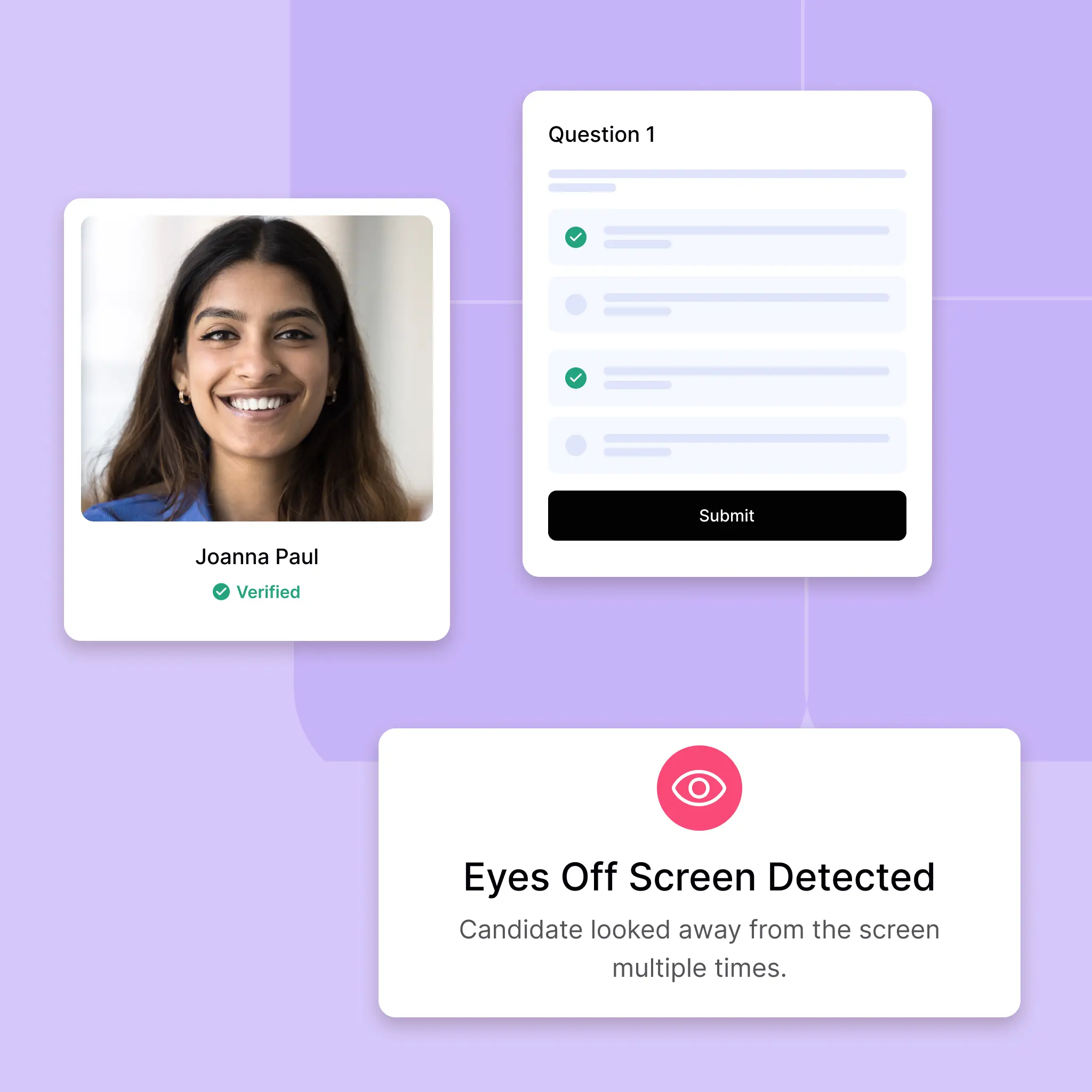
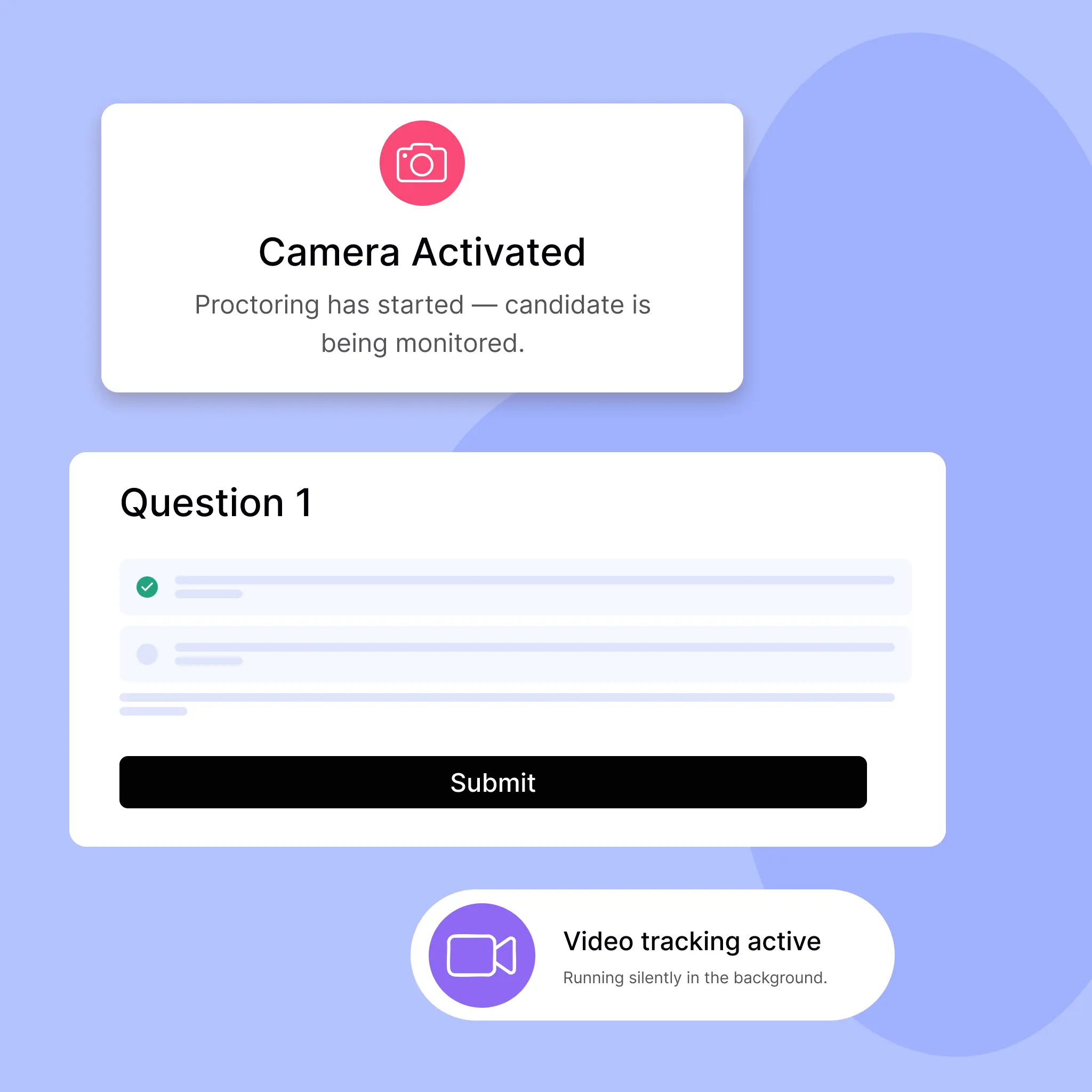
By using AI-powered snapshots and eyeball-tracking, our Video Proctoring detects suspicious behavior as it happens whether candidates glance off-screen, talk to someone nearby, or attempt to hide forbidden materials.
Visual Monitoring
AI watches candidates in real-time
Detects eye movement and suspicious behavior instantly.
Silent Watch
Always on, never distracting
Non-intrusive video tracking ensures honest assessments.
Real-Time Vigilance
AI watches so you don’t have to
Our video proctoring uses AI-powered snapshots and eyeball tracking to monitor test-takers for suspicious activity. With constant visual monitoring, anomalies are flagged instantly, keeping assessments fair and secure without manual supervision.
Snapshot Monitoring
Captures periodic high-resolution screenshots of the candidate’s face and desk space to detect anomalies (e.g., multiple people in frame).
Eyeball Movement Analysis
Tracks gaze direction and micro-movements to flag when candidates look away from the screen for extended periods.
Face Recognition & Anti-Spoofing
Verifies that the person in front of the camera matches the registered candidate and ensures it’s a live feed (not a photo/video reel).
Behavioral Pattern Detection
Uses machine learning to spot suspicious gestures (e.g., looking off to the side too often, covering mouth during questions).
Continuous Session Recording
Records the entire video feed throughout the exam; flagged clips (like multiple faces, unexpected movements) are time-stamped for easy review.
Audio Proctoring
AUDIO PROCTORING
Hear Every Whisper: AI-Monitored Sound Detection
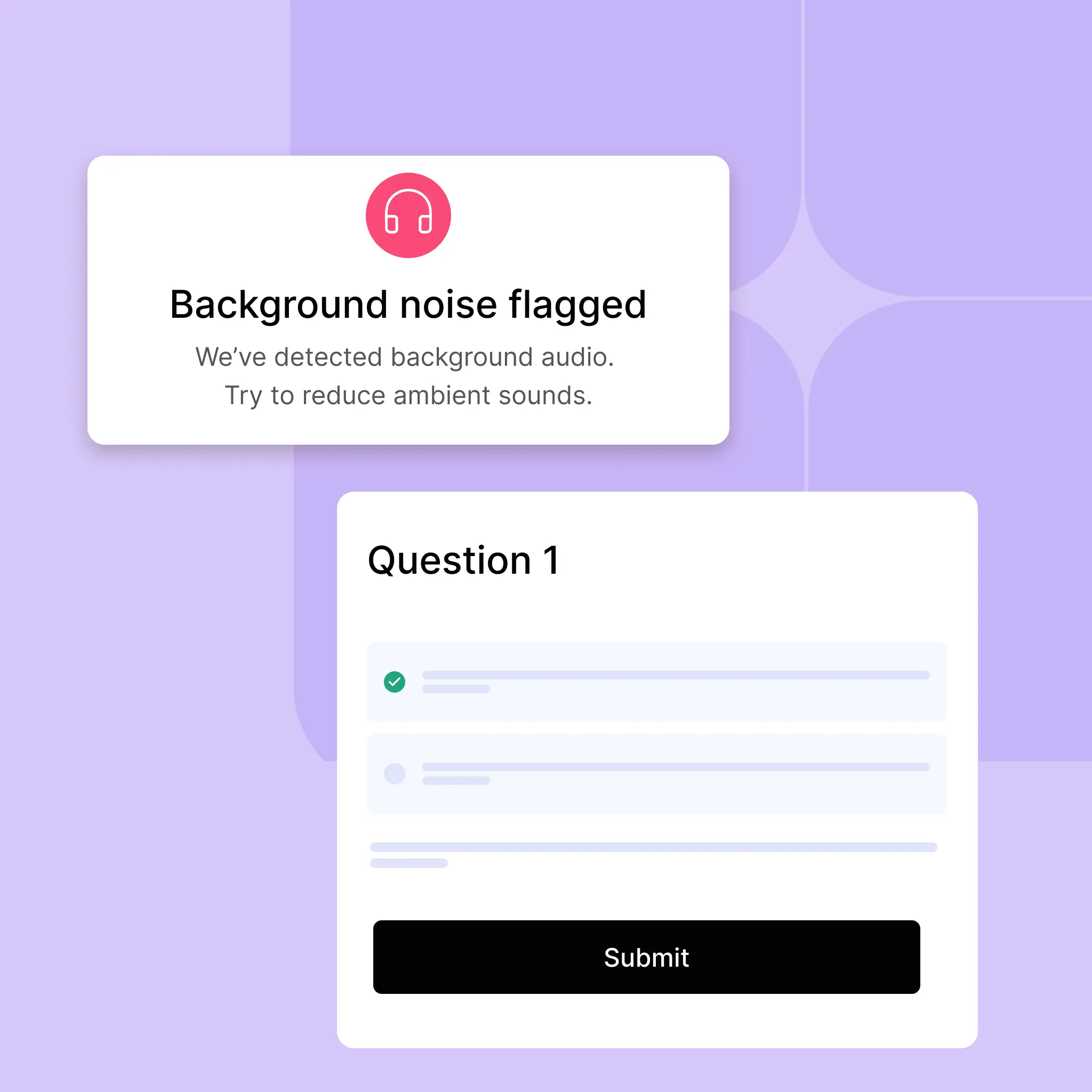
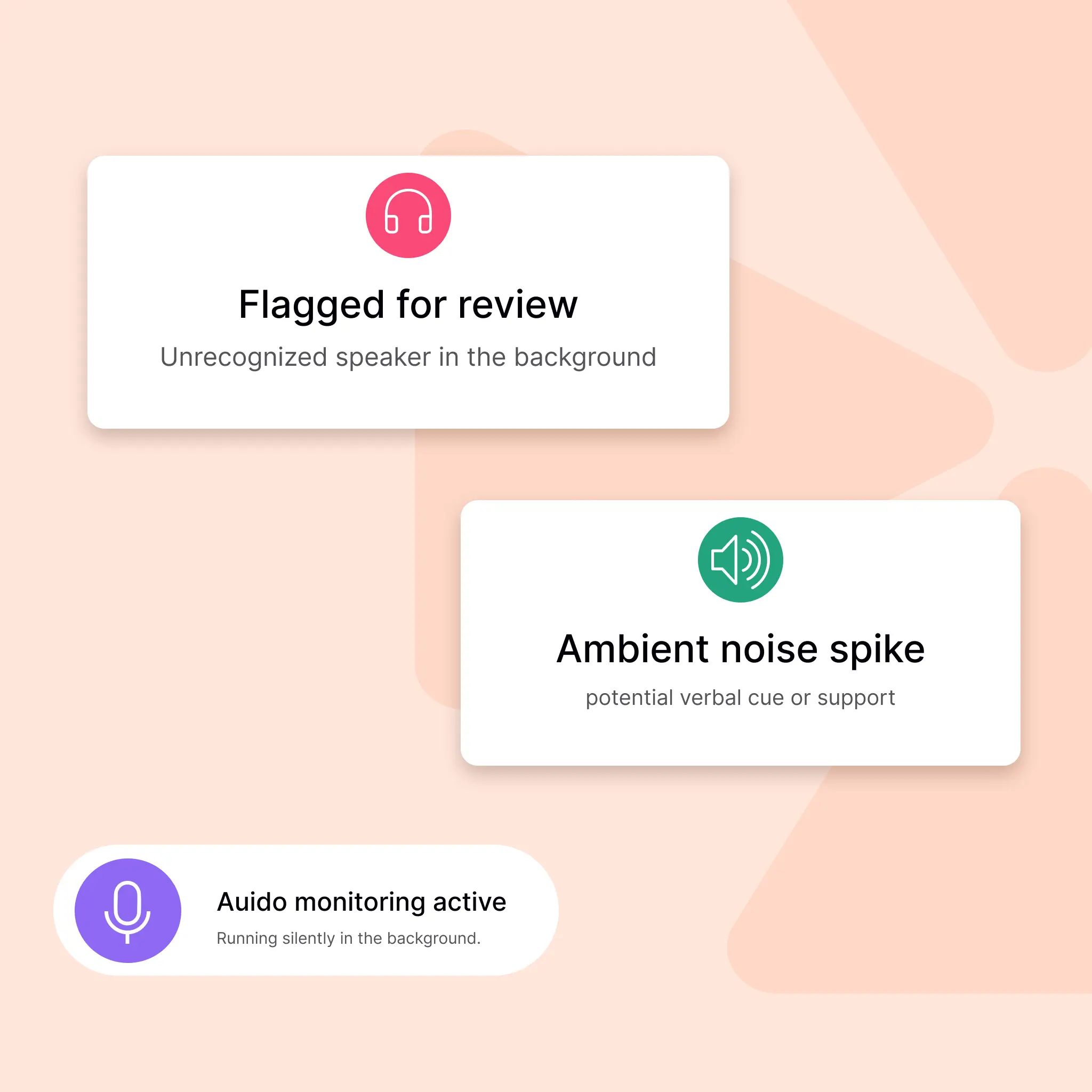
Our Audio Proctoring listens for unauthorized sounds, hints of whispered answers, keyboard-sharing audio, or any external assistance. As soon as something suspicious is detected, the system alerts proctors in real time.
Sound Detection
Hear what the eyes can’t catch
Flags conversations and background noise in real time.
Ambient Cues
Listen for hidden support
Detects voices to prevent unfair assistance.
Hear the Unfair Advantage
Detect unauthorized help even when it's whispered
Our audio proctoring listens in for unexpected ambient sounds like conversations, coaching, or external cues. If something’s off, it’s flagged. The result? A quiet, cheat-free environment for every test.
Ambient Sound Analysis
Continuously “listens” for any unusual noises (e.g., multiple voices, whispered hints) that could indicate cheating.
Noise Level Thresholding
Automatically mutes or flags the test if ambient noise exceeds a safe decibel level (e.g., TV, radio, or discussions).
Audio Device Monitoring
Detects and flags headphone or audio device usage during tests to prevent coaching, hidden communication, and maintain a secure assessment environment.
Full Audio Recording & Logs
Stores a real-time audio log alongside timestamped screenshots for a complete audit trail in case of disputes.
Surprise Question
Surprise question
Know the code, prove the logic
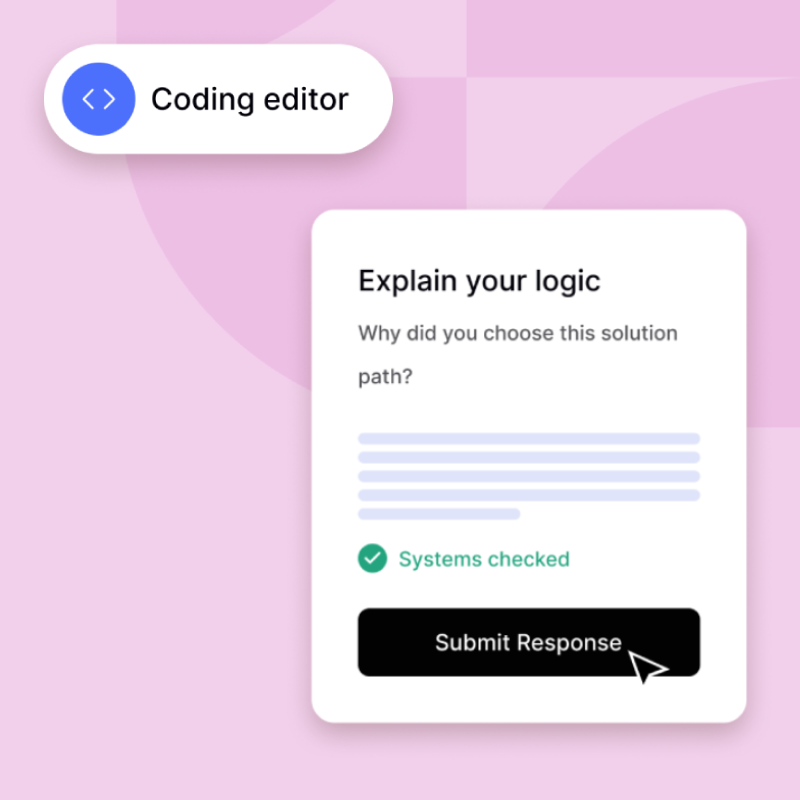
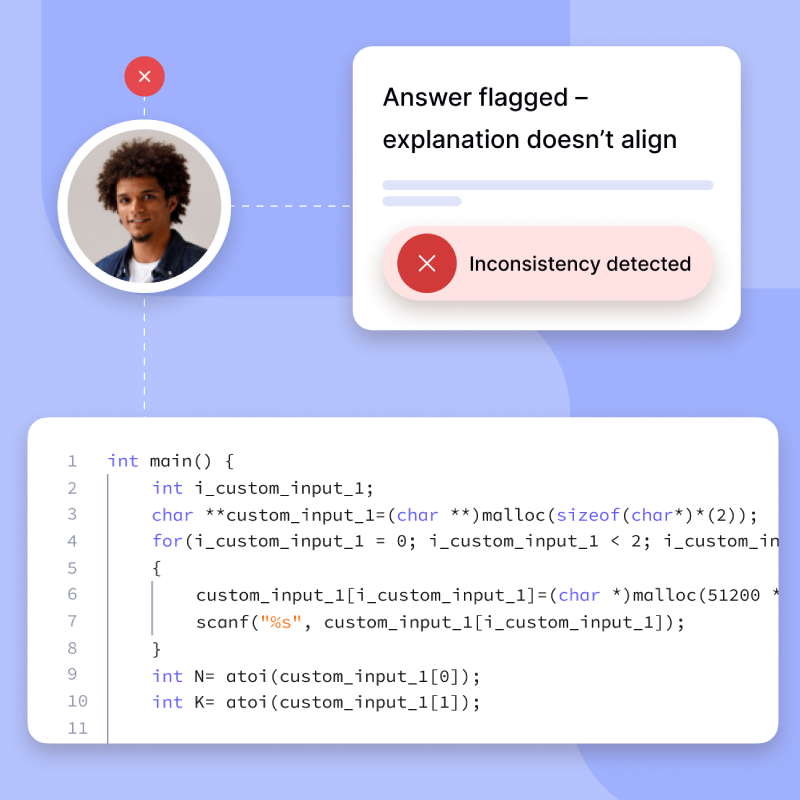
Once the assessment is submitted, candidates are prompted with an unexpected question that requires them to explain the thinking behind their code. This helps assess whether the logic was genuinely their own, offering an effective filter against copied solutions or AI-generated code. It brings conceptual clarity into focus and reinforces the value of original thought in technical problem-solving.
Think it, then explain it
Verifies candidates' thought processes after the test.
Helps ensure the logic wasn’t copied or externally sourced by asking them to explain their solution.
Catch the bluff
Detects inconsistencies between answers and explanations
Flags candidates who solve problems correctly but fail to explain the logic, indicating potential malpractice.
Prove you didn’t just guess
Post-test logic validation to confirm authenticity
After completing the assessment, candidates are required to answer a follow-up question that asks them to explain their approach to a specific problem. This step helps differentiate genuine problem-solvers from those who might have copied or used external tools—ensuring only authentic thinking gets through.
Logic Explanation Prompt
Asks candidates to describe how they approached and solved a problem.
Detects Inconsistent Understanding
Flags candidates whose explanation doesn’t align with their solution.
Discourages Blind Copying
Makes it risky to rely on copied code, as logic must be justified.
Verifies Conceptual Clarity
Helps confirm that the candidate truly understands the solution they submitted.
Plagiarism Checks
PLAGIARISM CHECKS
Code Integrity: Uncover Copycats Instantly
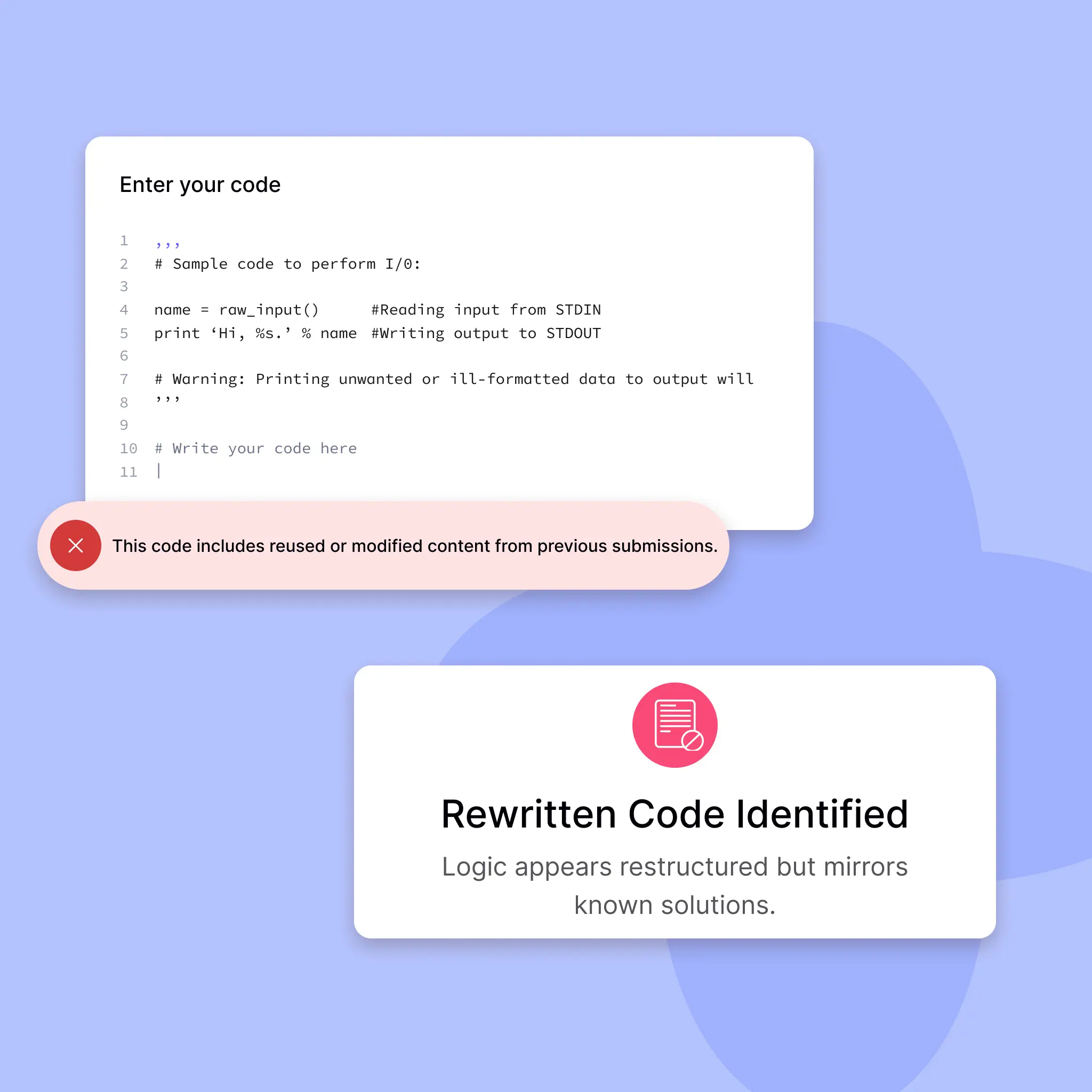
Our Plagiarism Engine compares each submission against other candidates’ code and a vast online code‐repository. With robust similarity algorithms, you’ll know if someone copy-pastes or tries to recycle solutions from the web.
Code Integrity
Spot the copied code instantly
Compares submissions with global and internal databases for detecting internet or in-test plagiarism
Originality
Ensure every solution is authentic
Zero tolerance for reused or modified code.
Originality Matters
Code should be clever, not copied
We run every submission through advanced plagiarism detection engines that scan across the web and past candidates. This ensures that each assessment is a true measure of skill, not search results.
Generates line-by-line diff reports showing exactly which code blocks overlap with percentage scores for easy interpretation.
Cross-Candidate Comparison
Automatically runs pairwise similarity checks between every candidate’s submission to highlight unusually high overlap.
Online Codebase Scanning
Searches public forums, GitHub, StackOverflow, and other code databases in real time to flag any recycled solutions.
Question Pooling & Shuffling
Randomized questions to prevent collaboration and pattern spotting
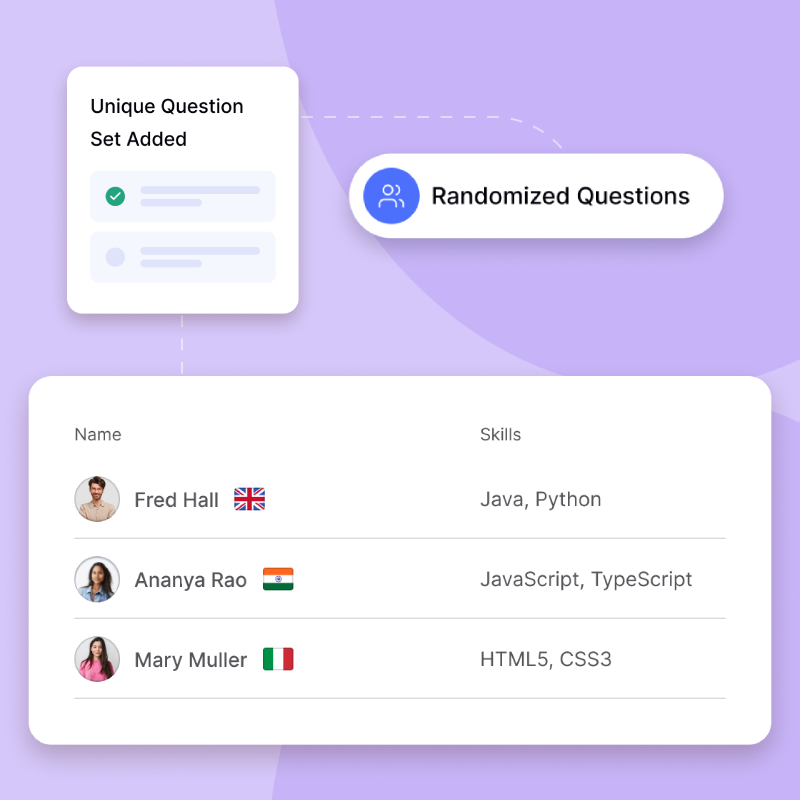
Our question pooling and shuffling mechanism ensures that no two candidates face the exact same sequence of questions. By dynamically drawing from a large pool of equivalent questions and shuffling their order, we minimize the chances of answer-sharing or coordinated cheating, while maintaining fairness and consistency in assessment difficulty.
No tests are the same
Delivers unique question sets for every candidate
Randomly assigns questions from a large pool, ensuring minimal overlap and reducing chances of answer sharing.
Scramble the odds
Shuffles questions and answer choices on every attempt.
Minimizes the chances of collusion or memorizing fixed patterns by reordering both questions and options.
Same test, different journey
Dynamic question sets to discourage cheating and pattern recognition
To preserve test integrity and fairness, our system delivers a unique version of the assessment to each candidate. Questions are pulled from a curated pool and presented in a randomized order making it nearly impossible for candidates to collaborate or predict the test flow. Despite the variation, every test maintains a consistent level of difficulty and scope.
Unique Test Paths
Each candidate gets a randomized version of the test to prevent question leaks.
Anti-Collaboration Shield
Disrupts attempts to coordinate answers during the assessment.
Balanced Difficulty
Questions are shuffled from pools that maintain parity in complexity and scope.
Adaptive Evaluation Integrity
Ensures that test fairness is preserved even as the question order varies.
ID Verification
Identity confirmation
Trust but Verify: Government-Grade ID Checks
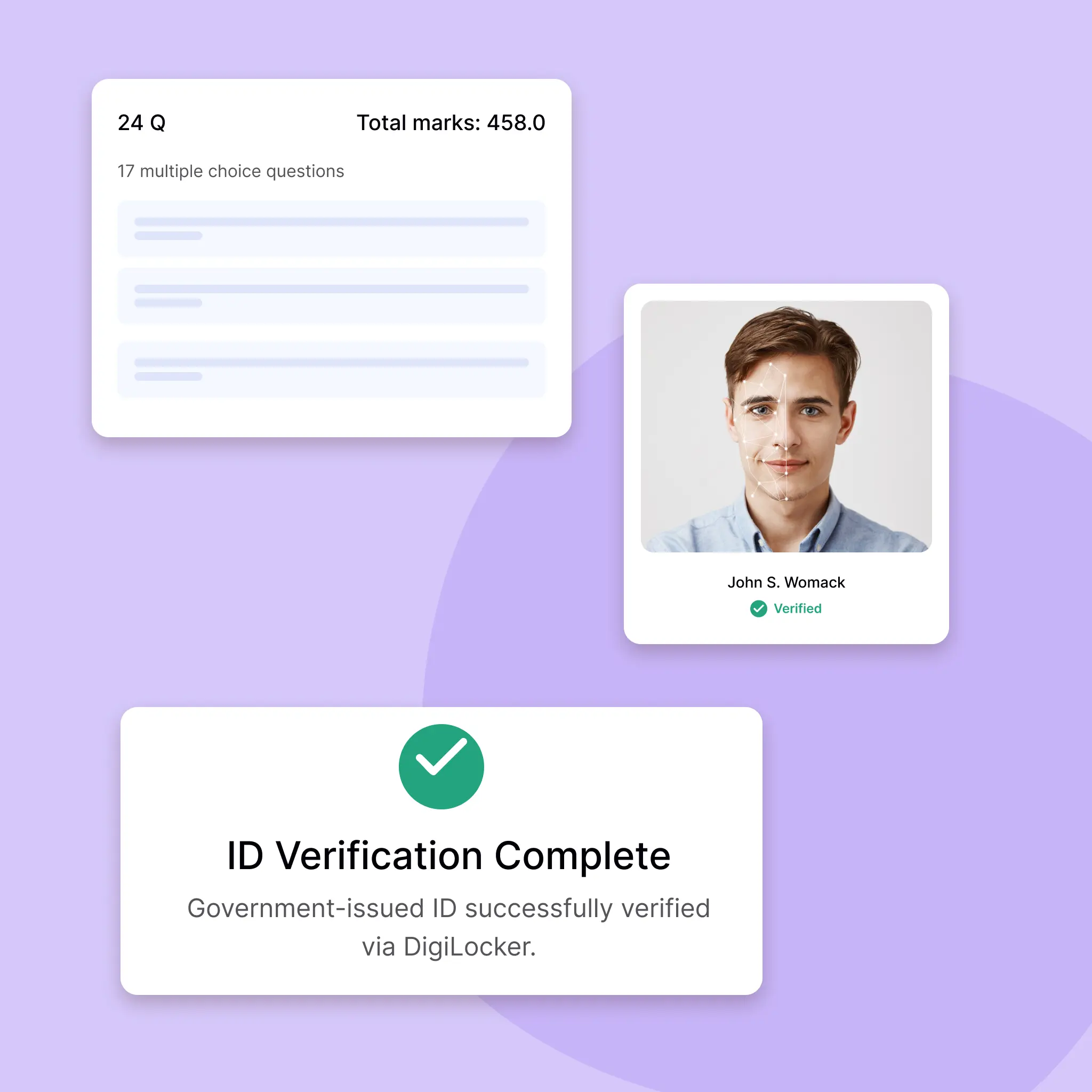
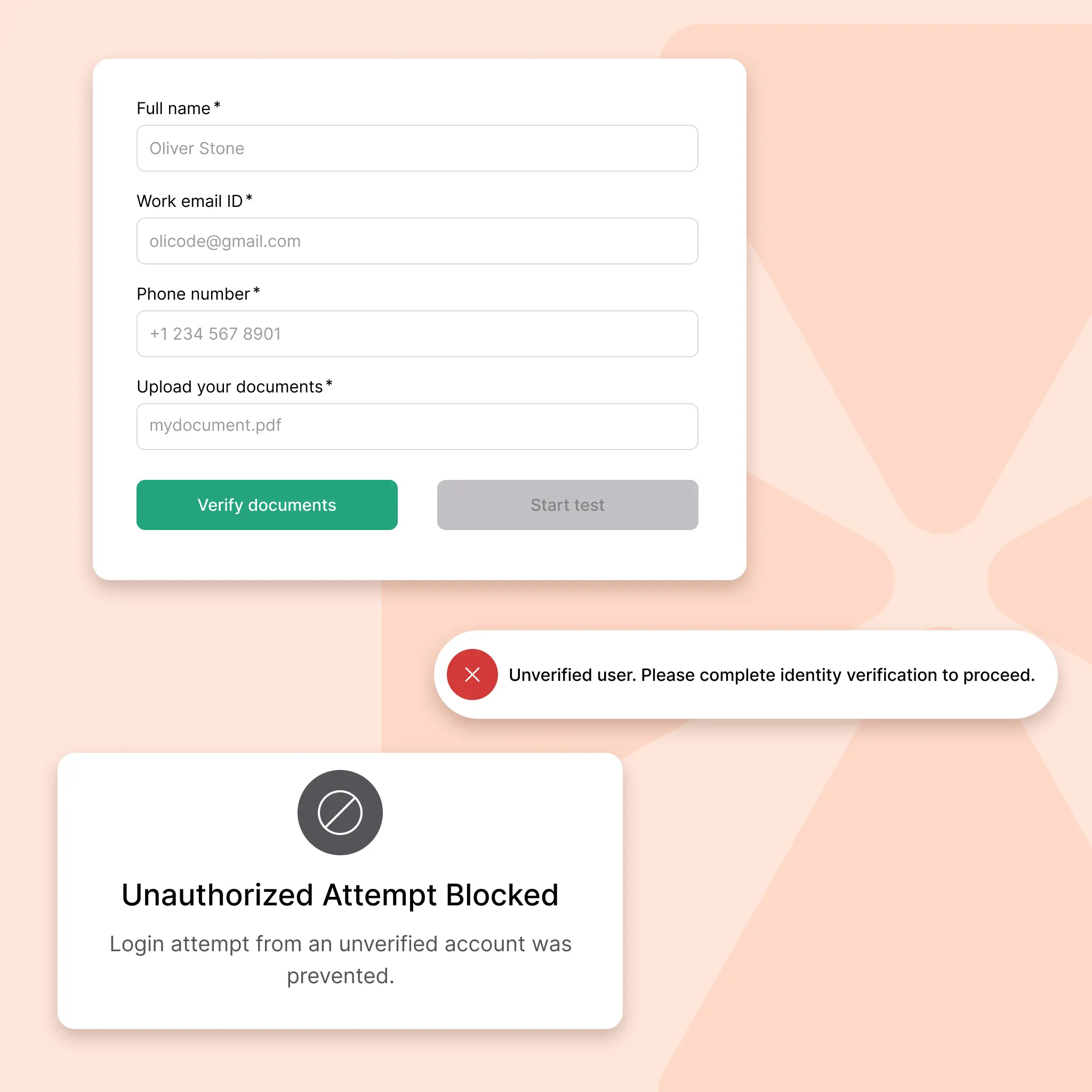
Before a candidate can start, we confirm their identity via DigiLocker (or other e-KYC providers), ensuring exam-takers are exactly who they claim to be. This removes any risk of “proxy” or impersonation.
Identity Check
Know who’s taking the test
Verify candidates with DigiLocker-based government IDs.
Verified Access
No fake identities allowed
Only verified users can begin assessments.
Know Who’s Taking the Test
Verified identity, verified integrity
Before candidates start, we verify their government-issued IDs via DigiLocker. This step confirms the person behind the screen is who they claim to be ensuring the legitimacy of your assessments.
DigiLocker Integration
Connects directly to DigiLocker for instant retrieval of government IDs (Aadhaar, PAN, Passport) with candidate consent.
Document Authenticity Check
Validates each ID’s security features (holograms, QR codes, barcodes) through a combination of OCR and AI algorithms.
Live Presence Detection
Uses short face-motion prompts (e.g., “blink,” “turn head left/right”) to confirm the person is physically present rather than a static photograph.
Face-Match Verification
Cross-compares the live webcam feed to the ID card photo; if there’s any discrepancy (e.g., lighting, angle), the candidate must re-verify.
Instant Approval Workflow
If the candidate passes all checks, they are automatically “green-lit” to begin the exam, no manual intervention required, saving your proctors’ time.
Additional Controls
Enhanced supervision
Lockdown Mode: Customizable Proctoring Rules
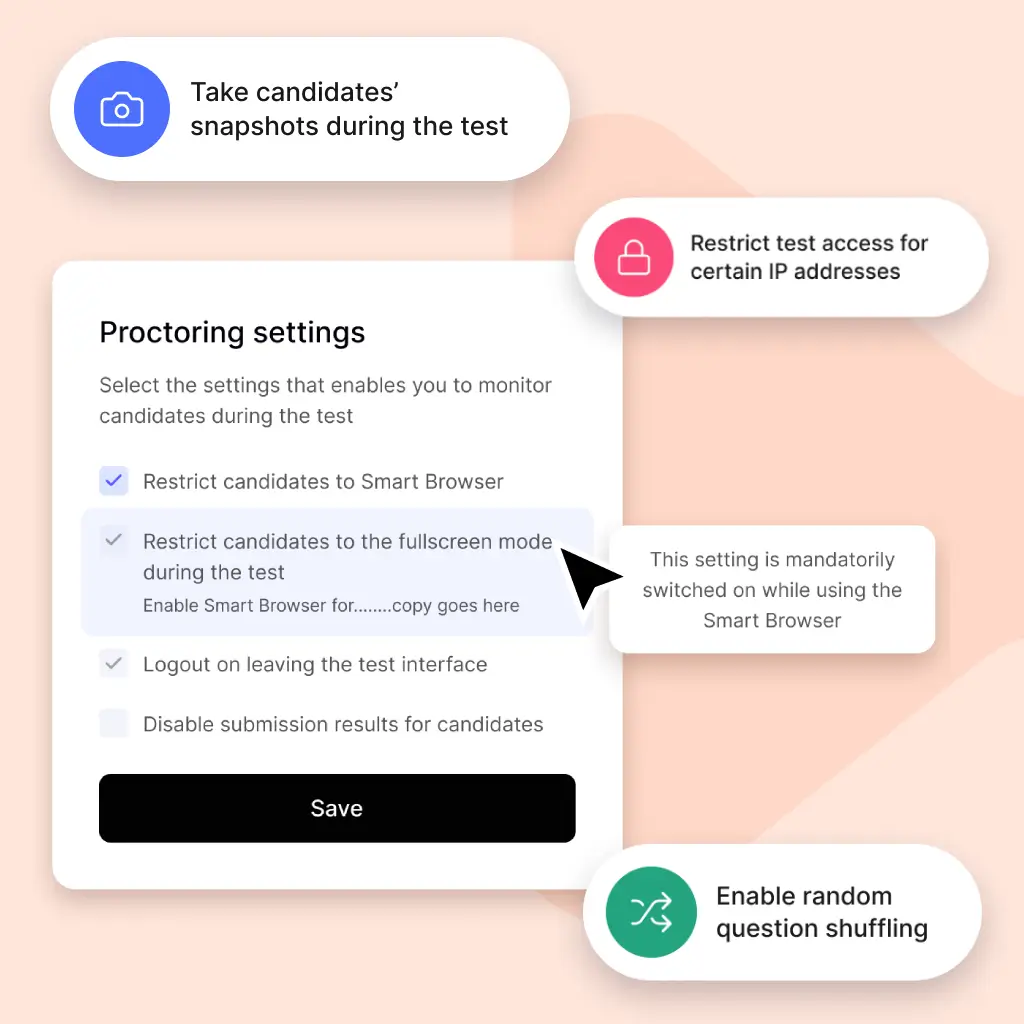
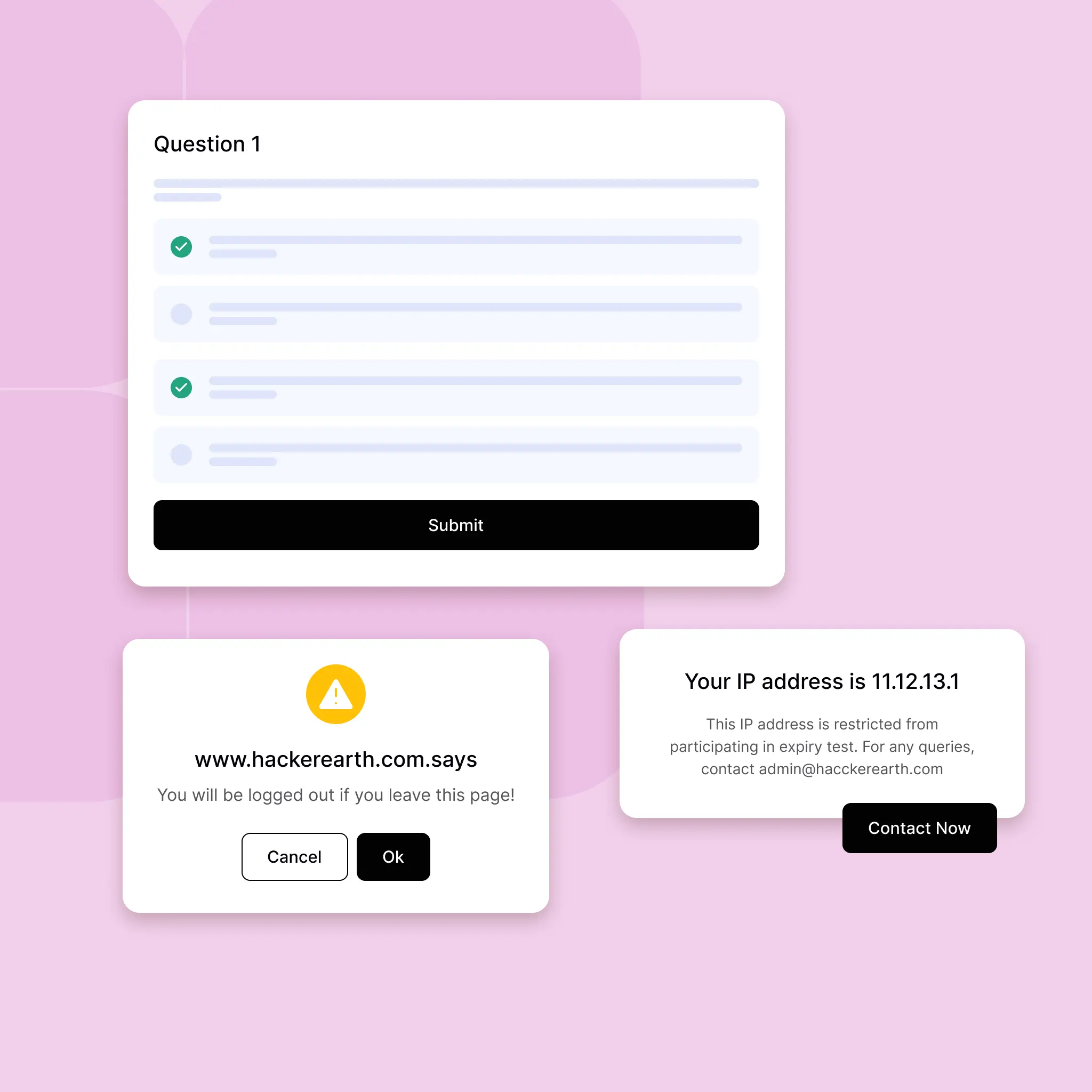
Beyond video/audio scanning and plagiarism, our Additional Controls module lets you tailor every aspect of your exam environment disable copy-paste, restrict by IP, enforce time restrictions, and more. Total compliance, zero compromises.
Custom Rules
Set strict proctoring policies
Disable copy-paste, restrict IPs, and more.
Test Security
Lock your test environment
Enforce rules to prevent unfair practices.
Tailored Security
Every loophole closed, every test airtight
From disabling copy-paste to locking assessments by IP range, our additional proctoring controls let you customize the level of security. It’s compliance on your terms without compromise.
Disable Copy-Paste
Blocks all copy-cut, paste, and drag-and-drop functionality within the test window so that code and text must be written from scratch.
Whitelisting & Blacklisting
Lock down exam access to approved locations (e.g., corporate VPNs, office IP ranges) or block specific countries/regions entirely.
Timed Access Controls
Enforce strict start/end times, auto-submit if a candidate goes “over time,” and send real-time warnings when only few minutes remain.
Browser-Level Restrictions
Disable new tab/window openings, block external URL requests, and prevent candidates from installing browser extensions mid-quiz.
Custom Compliance Policies
Create “if-then” proctoring rules, all manageable from a simple UI toggle.